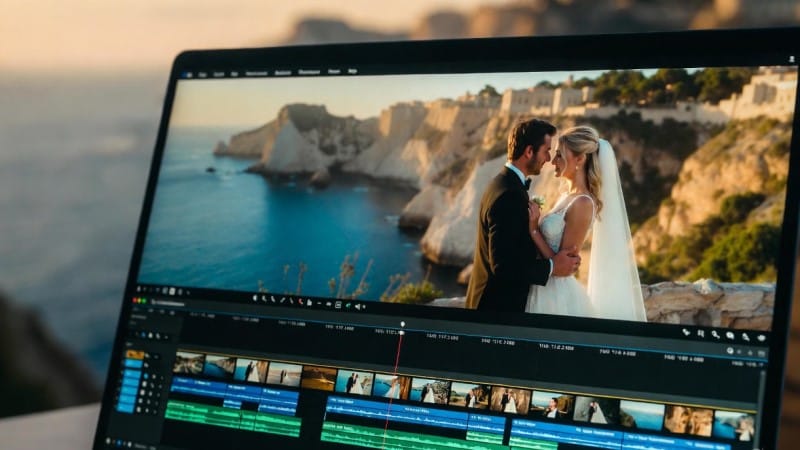
Your wedding day is one of the most important moments in life — and capturing it on video is essential to
preserving those memories forever. But raw wedding footage straight from the camera often needs magic to
transform it into a stunning cinematic video that truly tells your story.
If you’re wondering how to turn your wedding clips into a breathtaking film worthy of sharing with family, friends,
or even social media, you’ve come to the right place.
In this step-by-step guide, we’ll walk you through the essential process of editing your wedding footage into a
cinematic masterpiece — and show you how EditMyReels.com can make it effortless.
Step 1: Organize Your Raw Footage
Before you dive into editing, start by organizing all your clips. Sort footage by events (ceremony, vows, reception,
speeches) or by timeline. This helps you find the best moments quickly and keeps your editing workflow smooth.
Step 2: Choose Your Editing Style
Cinematic wedding videos often have a specific look and feel — soft colors, slow motion, emotional music, and
storytelling pacing. Decide on the vibe you want. Do you want a romantic and timeless film? Or something
modern and upbeat?
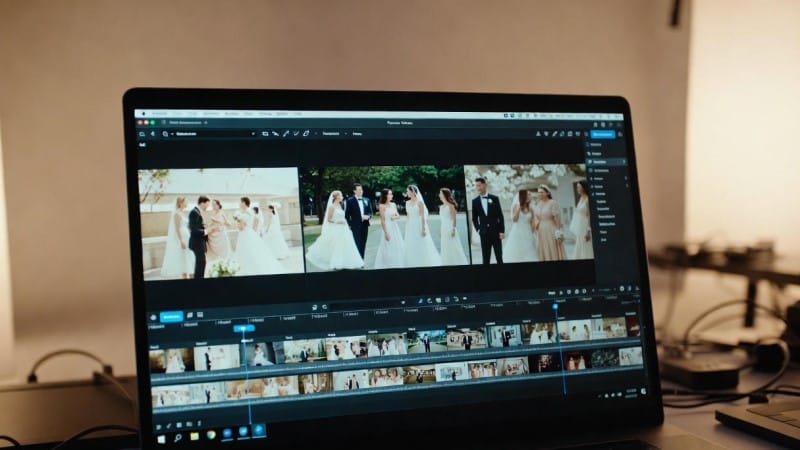
Step 3: Create a Rough Cut
Start assembling your clips in sequence. Focus on the key moments: the walk down the aisle, vows, first kiss,
and celebration. Don’t worry about perfection here; just build a rough story arc.
Step 4: Use AI Tools for Smart Editing
This is where AI video editing shines. Tools can automatically:
Stabilize shaky footage
Adjust lighting and color correction
Sync audio and reduce background noise
Suggest smooth transitions and cuts
At EditMyReels.com, we combine powerful AI editing software with expert editors to speed up this process and
boost quality.
Step 5: Add Music and Sound Design
Music sets the mood. Choose a song that fits your wedding’s tone and sync your video’s pace with it. Add natural
sound from your ceremony, like vows and speeches, to keep it personal and authentic.
Step 6: Polish with Effects and Titles
Add cinematic effects such as slow-motion shots, lens flares, or soft focus to enhance emotional moments. Don’t
forget titles like the couple’s names, date, or special messages.
Step 7: Review and Refine
Watch your video multiple times, adjusting pacing, trimming unnecessary clips, and making sure audio is clear.
Feedback from the couple or family can help ensure the video matches their vision.
Step 8: Export in High Quality
Render your final video in HD or 4K resolution for the best viewing experience on TVs, social media, or big
screens.
How EditMyReels.com Makes Wedding Video Editing Easy
Editing wedding videos can be overwhelming — but it doesn’t have to be. At EditMyReels.com, we specialize in
turning your raw wedding footage into stunning cinematic videos with:
Fast turnaround times (usually 48-72 hours)
Affordable, customizable packages
Expert use of AI-powered editing tools
A simple process: send your clips, share your vision, and we handle the rest
We’re passionate about preserving your most treasured moments with the care and creativity they deserve.
Ready to turn your wedding footage into a cinematic keepsake? Visit EditMyReels.com today and let’s get
started!